
Keep track of your work trips
Tell us where you drove. Easypeasy calculates the distance and mileage allowance, and includes the figures in your tax return.
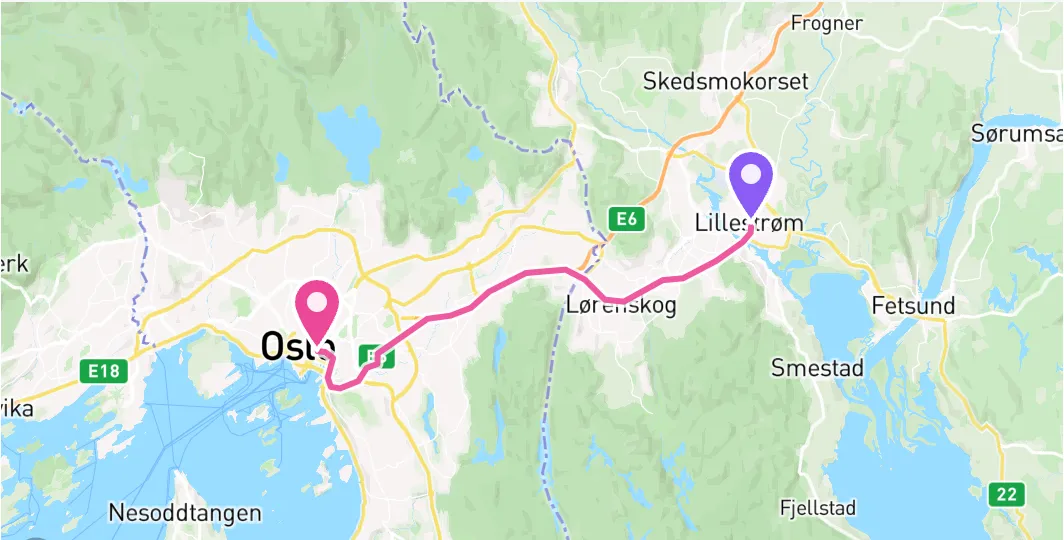
You add the trip. We do the sums.
See your trips in one place, with dates, distances and amounts.
Include stops along the way
Enter where you started, where you went and where you stopped. We work out the distance along the road.
The amount is calculated for you
We calculate the mileage allowance using the Norwegian Tax Administration’s rates. This is the amount for using your car for work.
A clear overview
See where and when you drove, and the amount for each trip. The figures are automatically included in your tax return.
How to get started
Register your trip
Add the trip in the app or send us an iMessage. For example: “I drove from Oslo to Drammen today”.
Tell us where you drove
Enter where the trip started and ended. Add any stops along the way. We calculate how far you drove.
We calculate the amount
Easypeasy calculates the mileage allowance using the Norwegian Tax Administration’s rates. The figures carry through to your tax return.
Frequently asked questions
Questions and answers about mileage log in Easypeasy
Ready to try?
Create an account and try Easypeasy free for 30 days. No payment card needed.
Try free for 30 days